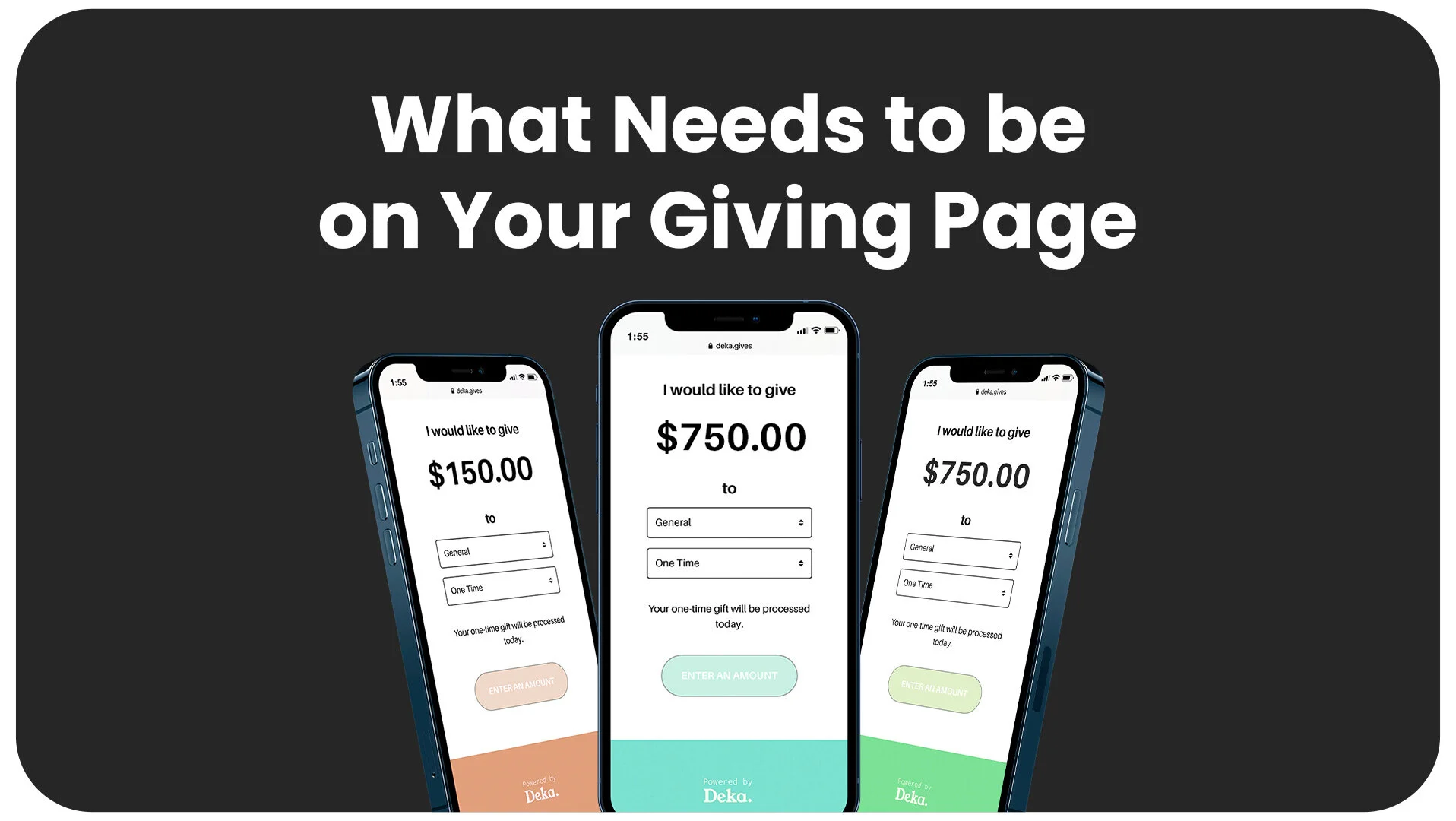
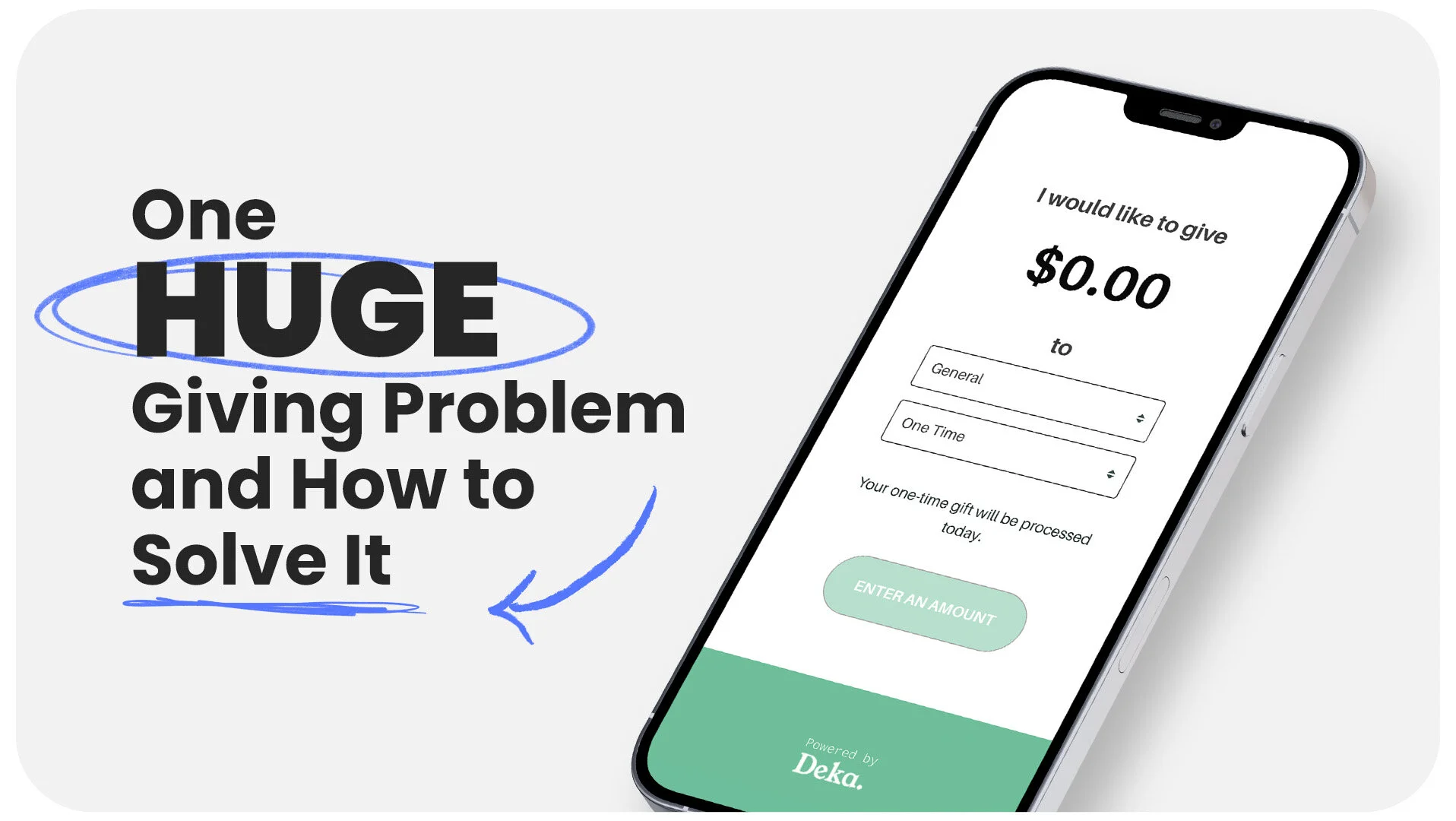
There are many reasons to have an easy-to-use digital giving solution. Fewer people are using checks and cash to make purchases in general. This is seen in church giving as well. Not only do the majority of church members give digitally, but churches that accept giving online increase overall donations by 32%.

While the why behind digital giving is clear, you may wonder how you implement a new digital giving platform. Even if you are already using a digital giving provider, switching is easier than you think. Platforms like Overflow make the transition simple.
1. Update Your Giving Page
The first thing you will want to do is replace the current give page on your website with your new giving platform's page.
2. Make an Announcement
Use the giving portion of your service to announce the church's transition to the new platform. Everyone wants to know, "What's in it for me?" Also, with change, people wonder how much effort it will take to adjust. That is why with your announcement, you need to share how this is not just a win for the church but for them as well.
3. Communicate Through Email
Within 24 hours of making the announcement on Sunday, send your members a rollout email that walks them through the change, why you made it, and exactly how to set up their giving on the new platform.
4. Move Recurring Giving Over
Begin auditing recurring gifts in your new platform and your previous giving system so you can delete recurring donations in the old giving platform that have been moved over. Most giving providers have a support team available to answer questions during this switchover.
5. Change Text to Give
The Sunday after making the announcement, change your text-to-give number and keyword to the new platform's text-to-give solution, and update the slide you show during the offering moment.
6. Follow Up with Givers
Each Monday after making the switch, send a follow-up email to recurring givers who have not moved over yet. A short, friendly reminder with step-by-step instructions is all it takes.
7. Conclude the Rollover
Confirm that all recurring gifts have been moved over from your previous giving platform before you shut anything down. Your new provider can help you verify the rollover is complete.
8. Cancel
Once you conclude the rollover, cancel your previous subscription.
Congratulations! Now you are fully implemented!
A good giving platform is not just an easy solution for your givers to use. It should also come with a rollout system you can execute with confidence and a team committed to your ministry's long-term success.
Want to grow generosity in your church? Download the free Year-End Giving Playbook at buildthe.church.























.png)